Language Settings in Kertos
Last updated: June 16, 2026
What are they?
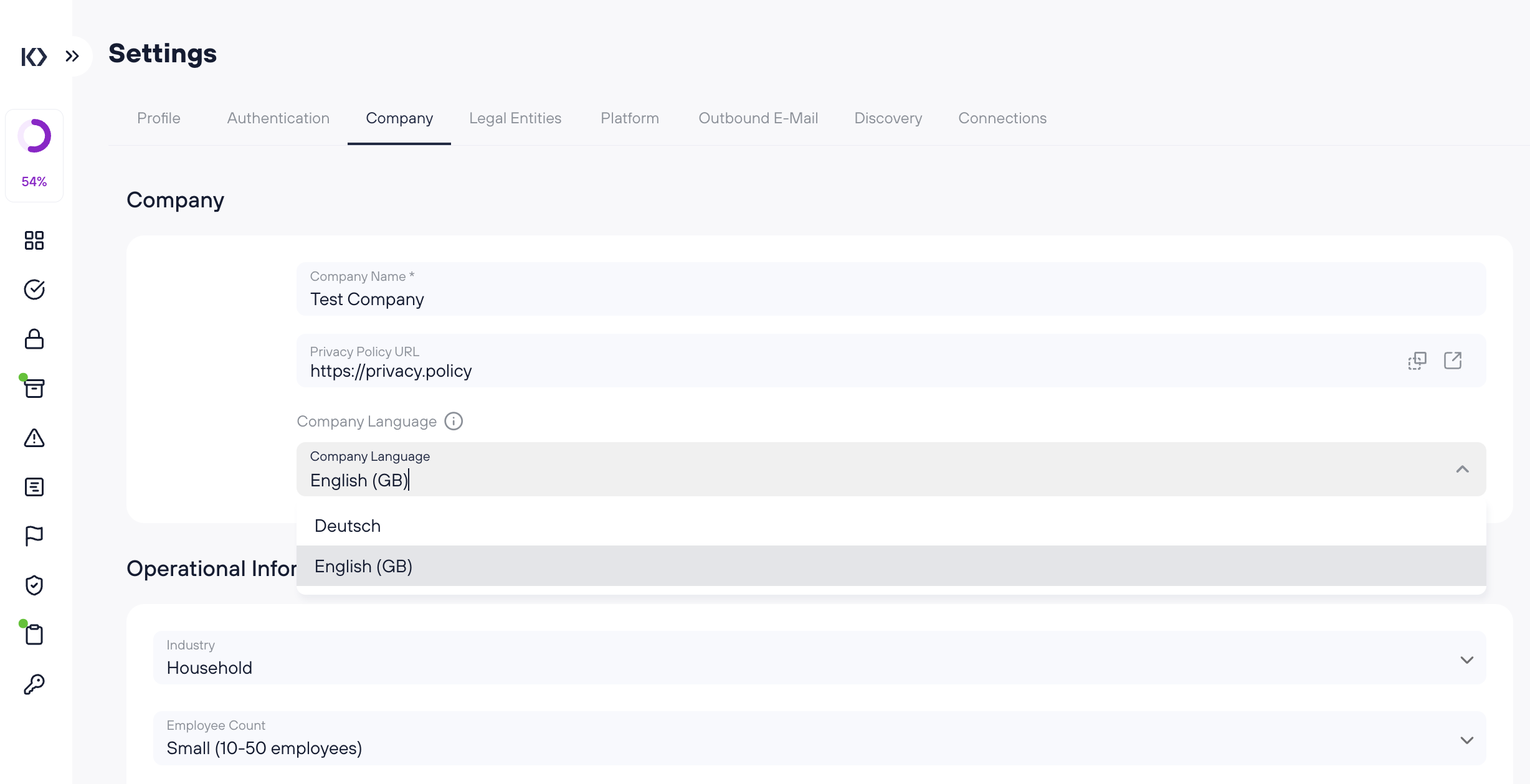
Company Language is an organization-wide setting that determines the language Kertos uses when it generates content automatically on your behalf. It is set once for the whole company by an admin under Settings > Company.
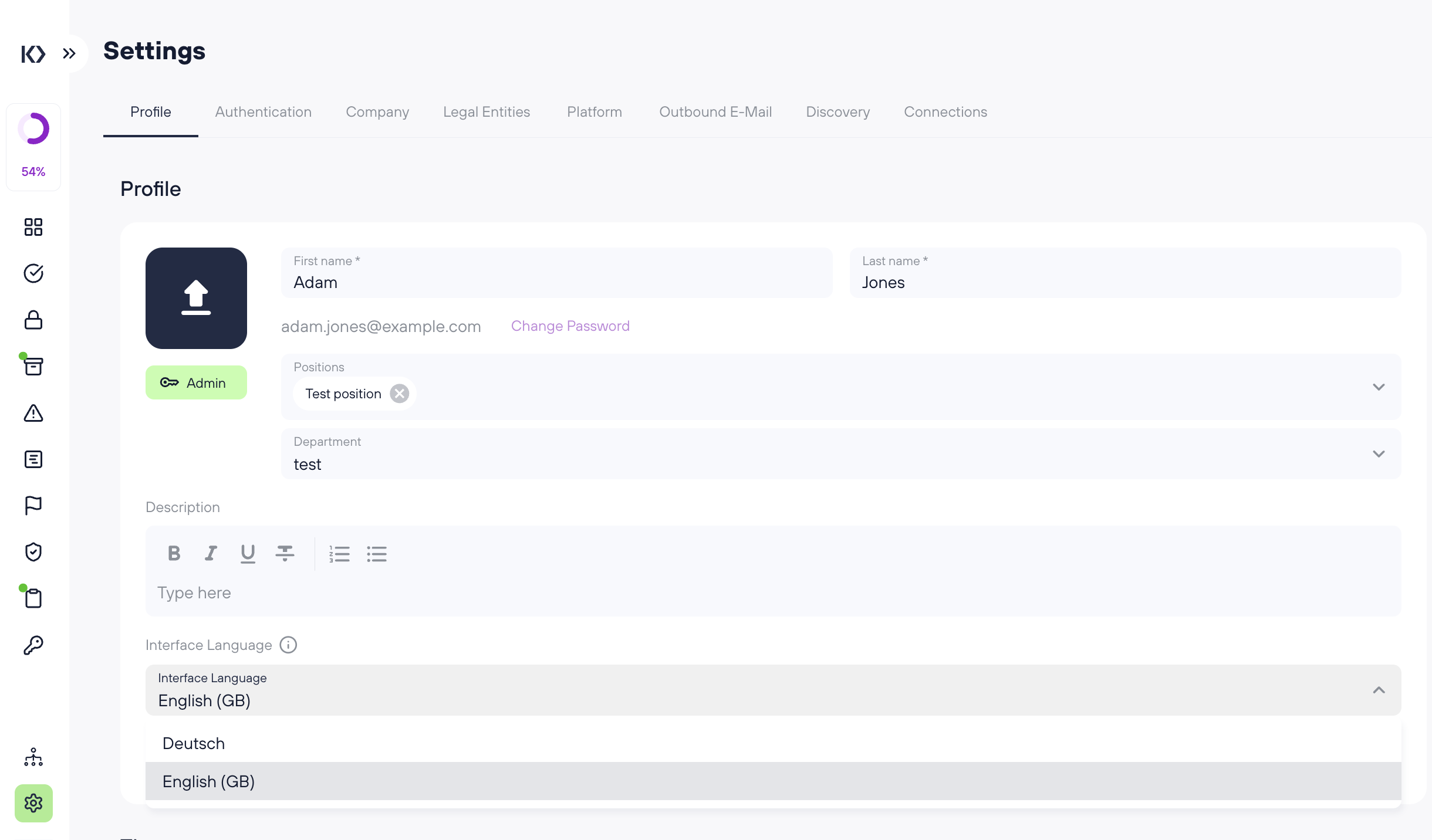
Interface Language is a personal setting that controls how the app itself appears to you — menus, buttons, and labels. Every user can set their own under Settings > Profile.
How they differ
These two settings are often confused:
Company Language | Interface Language | |
|---|---|---|
Scope | The whole organization | Just you |
Where to set it | Settings > Company | Settings > Profile |
Who can change it | Admins only | Every user, for themselves |
What it controls | The language of content Kertos generates (automated processes, AI output, generated documents) | The language of the app itself (menus, buttons, labels) |
In short: Interface Language changes what you see in the app. Company Language changes the language of what the platform produces for everyone.
What does Company Language affect?
Company Language defines the language of content created by automated and AI-driven processes, including:
Automated processes such as Discovery
AI-generated content and autofill suggestions
Generated documents and exports
Automated compliance messages and notifications
Your public Trust Center
It does not change the buttons, menus, or labels you click on in the app. That is controlled by your personal Interface Language.
Example
A German company sets its Company Language to German. From then on, Discovery results, AI-generated descriptions, and exported documents are produced in German for the entire organization.
One employee on that team prefers to work with an English interface. They set their Interface Language to English in their profile. Their menus and buttons now appear in English, while the content the platform generates stays in German.
Good to know
Currently supported languages: English and German.
Company Language can only be changed by admins; Interface Language can be changed by any user for themselves.
Changing the Company Language affects the whole organization, so you will be asked to confirm the change.
Changing Company Language does not retroactively translate content that was already generated; it applies to content created from that point on.