Managing Audits
Last updated: October 13, 2026
Introduction
Audit management gives you a place in Kertos to record your audits and connect them to their findings.
What is an Audit in Kertos?
An audit is a record of an internal or external audit activity, defined by its type and its time frame. Once an audit exists, you can link findings (non-conformities and opportunities for improvement) to it. This gives you a clear view of what came out of each audit and its current status.
How it works
Navigating the Audits page
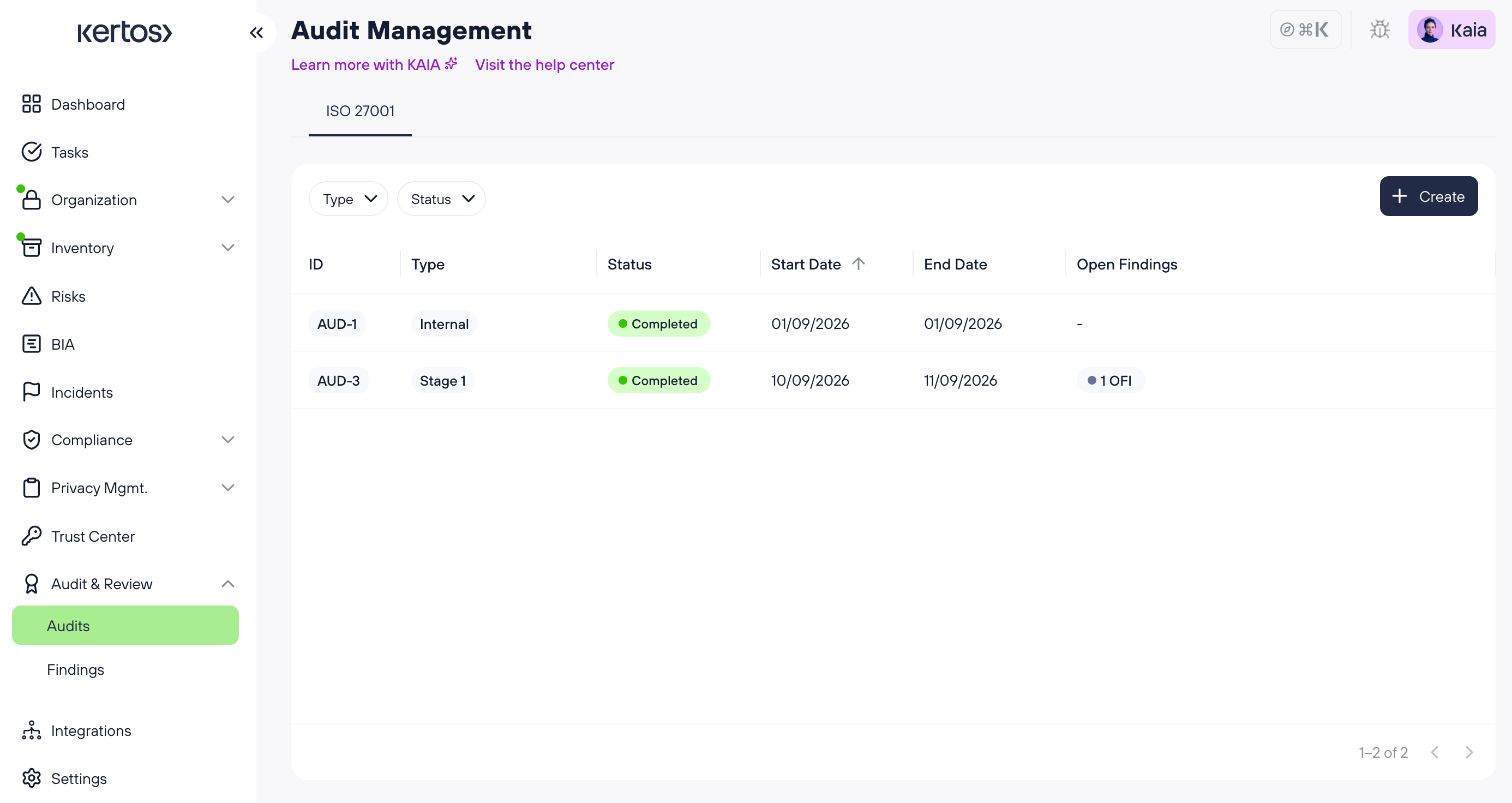
Open Audits from the left sidebar, under Audit & Review. The page shows a tab for each framework with audit management enabled, so you manage audits per framework. Within a tab, you can filter the audit list by type and status.
Creating an Audit
Click “Create” in the top right of the Audits screen.
Only the audit type and start date are required. The end date is optional. If you don’t know the exact dates yet, enter estimates and update them later.
Viewing Audits and their Findings
The audit overview table lists all audits for the selected framework. For each audit, you can see its type, status, time frame and the number and type of open findings linked to it. The status is shown based on the entered dates.
The open findings information gives you a quick read on which audits still have open work. See Managing Findings for how to create, review and close findings.
Updating or deleting an Audit
Click any audit in the table to open it. From there, you can update its type and dates or delete the audit. Deleting an audit does not delete its linked findings. They remain in your findings list and stay available for further review.