
Platform settings
Manage your Platform settings
The Platform tab contains workspace-wide defaults that affect how Kertos handles requests and task reminders.
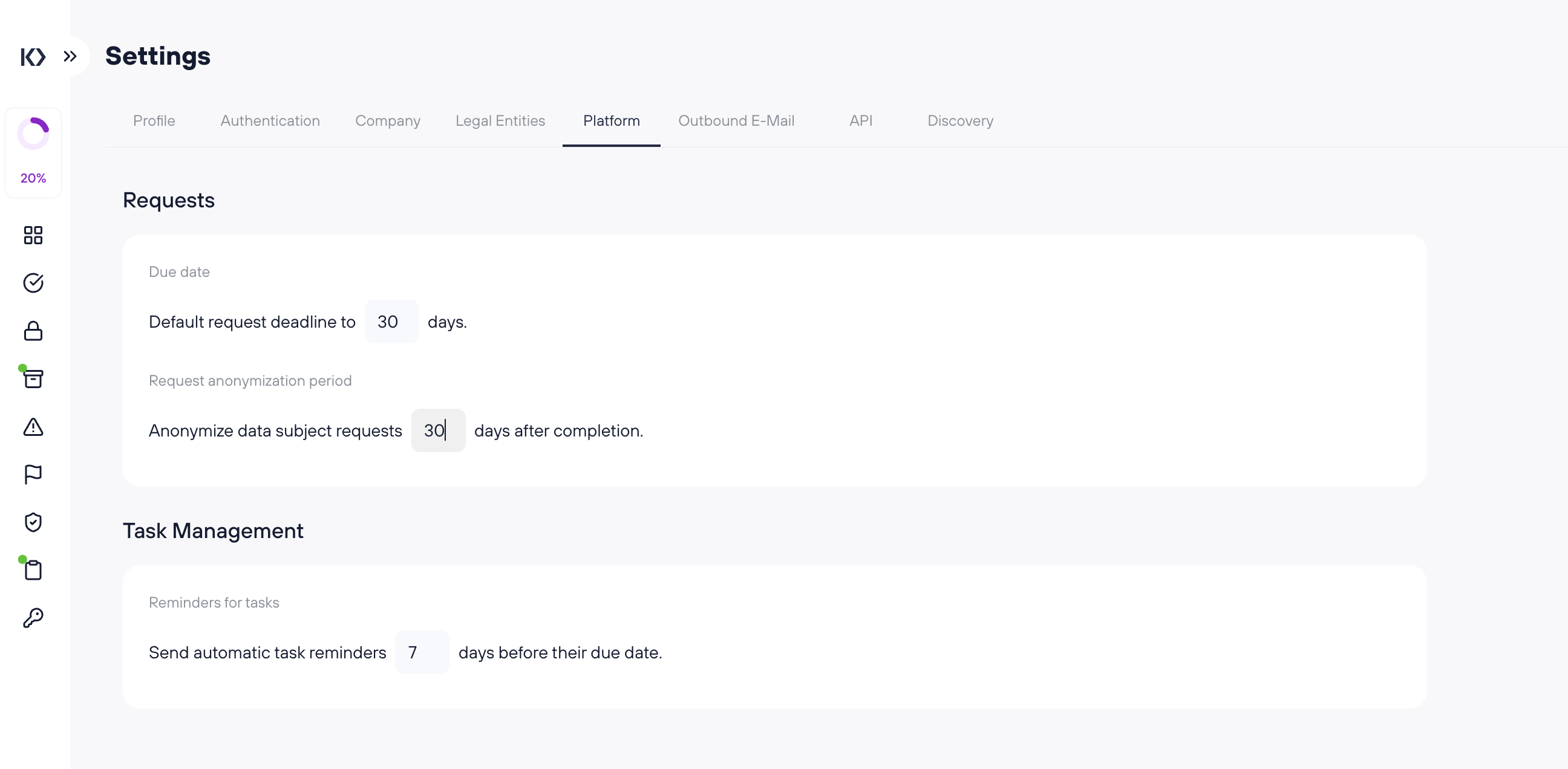
Requests
Default request deadline (days)
Sets the default due date for newly created requests.
Example: If this is set to 30, new requests will automatically get a due date 30 days from creation (unless manually adjusted).
Request anonymization period (days after completion)
Controls when completed requests are anonymized.
Example: If this is set to 30, Kertos will anonymize request details 30 days after the request is marked as completed.
Tip: Use this to balance operational traceability (keeping request history for a short time) with data minimization (removing personal data after completion).
Task Management
Automatic task reminders (days before due date)
Sets how many days before a task due date Kertos sends automatic reminders.
Example: If this is set to 7, assignees will receive reminders 7 days before the task is due.